Vocabulary Diversity Checker (Type–Token Ratio Tool)

 This free online Type Token Ratio (TTR) calculator is one of the best tools for measuring vocabulary diversity in English. Paste up to 10,000 words, choose text or word-list mode, see TTR, repetition, hapax and frequent words, top 10/20 coverage, and view or download a full word frequency table as CSV for study, teaching or research.
- What this TTR vocabulary calculator does
- When and why to measure vocabulary diversity
- How to use the TTR calculator step by step
- How Type–Token Ratio is calculated
- Diversity, repetition and frequency breakdown
- Text vs word list analysis modes
- Word frequency table and CSV export
- Limits of TTR and how to interpret results
- FAQ about the TTR calculator
What this TTR vocabulary calculator does
This online Type–Token Ratio (TTR) calculator measures how rich and varied the vocabulary in your English text or word list is. Instead of simply counting how many words you wrote, it compares the number of unique word types to the total number of word tokens to show how diverse your language really is.
You can paste either:
- a normal English text (article, essay, story, blog post), or
- a prepared word list (for example, vocabulary from a lesson or textbook).
The calculator then:
- counts all words and all unique word types,
- computes the TTR index (unique words / total words),
- shows the repetition level in percentage,
- builds a word frequency breakdown with detailed statistics.
In the advanced section, you also get:
- hapax legomena – words that appear only once in your text,
- frequent words – items that occur three times or more,
- top 10 and top 20 coverage – how much of the text is made up of the most frequent words,
- a full word · count · percentage table, sorted by frequency.
This makes the tool useful not only as a simple TTR calculator, but as a vocabulary analysis dashboard for learners, teachers, linguists and content creators who want to see how repetitive or varied their language is.
When and why to measure vocabulary diversity
Vocabulary size alone does not tell the whole story. Two texts can have the same length, but one may recycle the same basic words again and again, while the other uses a much wider range of expressions. Type–Token Ratio (TTR) helps to see this difference clearly by measuring how diverse your vocabulary is in practice. Type–Token Ratio (TTR) helps to see this difference clearly by measuring how diverse your vocabulary is in practice. For overall difficulty, you can also use our Text Level Checker to see which level the text belongs to.
For learners who want richer English
Many learners reach a plateau where they can communicate but repeat the same adjectives, verbs and phrases. Measuring vocabulary diversity can help you:
- notice when your writing or speaking is too repetitive,
- see progress over time as you add more varied words,
- compare different texts and choose the richer one as a model.
If your TTR is very low, it is a signal that you rely heavily on a small core of words. If it grows over time, you are actively expanding your lexical range.
For teachers and materials designers
Teachers can use TTR to analyse textbooks, graded readers, test tasks and student writing. It helps to answer questions like:
- Is this reading text too repetitive for my level?
- Does this exercise really introduce enough new vocabulary?
- Are my students using a narrow or varied range of words in their essays?
With the frequency breakdown, you can quickly see which words dominate a text and whether it offers enough lexical variety for your teaching goals.
For linguists, researchers and content creators
TTR is also widely used in linguistic research, corpus studies and content analysis. Bloggers, copywriters and UX writers can check whether their content feels fresh or overly repetitive, while researchers can compare the lexical diversity of different genres, authors or registers.
In short, measuring vocabulary diversity is useful whenever you care not just about how much text there is, but about how rich and varied the language in that text actually is.
How to use the TTR calculator step by step
The Vocabulary Diversity (TTR) Calculator is designed to be fast and intuitive. You do not need to register or upload files. The full analysis is done directly in your browser.
Step 1 – Paste your text or word list

Copy any English text or a prepared word list and paste it into the input field. You can analyse:
- essays, articles, blog posts and stories,
- student writing samples,
- custom vocabulary lists from lessons or textbooks.
The calculator supports input up to 10,000 words. For a meaningful diversity estimate, at least 20 words are recommended.
Step 2 – Choose analysis mode
Below the text field you can select one of two modes:
- Text – for continuous writing such as articles, essays or stories.
- Word list – for separated lists of words divided by spaces, commas or lines.
This helps the calculator correctly tokenize your input and show more accurate frequency results.
Step 3 – Click “Analyze diversity”
After clicking the button, the tool instantly calculates:
- Type–Token Ratio (TTR),
- number of total words and unique word types,
- repetition percentage,
- hapax and frequent word statistics,
- top 10 and top 20 word coverage.
Step 4 – View the frequency table and export data
If detailed breakdown is enabled, you will see the full word frequency table with word, count and percentage. You can:
- scroll the table directly on the page,
- expand it to full height,
- download the results as a CSV file for Excel, Google Sheets or research tools.
In most cases, the complete workflow takes less than a minute: paste your data, choose the mode, click analyze, and review all diversity and frequency metrics.
How Type–Token Ratio is calculated
The core of this calculator is the Type–Token Ratio (TTR) – a simple but powerful measure of vocabulary diversity. It compares how many different words you use to how many words you use in total.
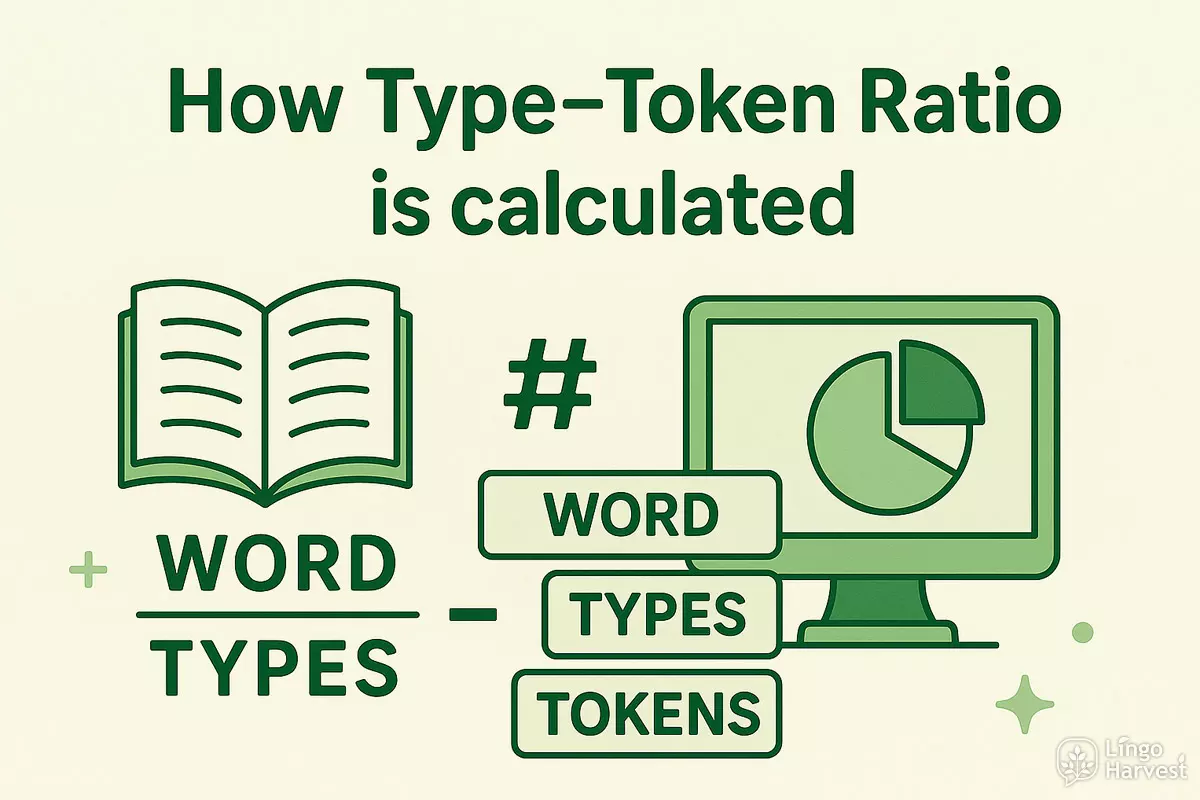
In its basic form, TTR is defined as:
TTR = number of unique word types / total number of word tokens
In this calculator:
- Word tokens = all words in your text (including repeated ones).
- Word types = different words, counted once each, regardless of repetition.
For example, in the sentence “This is a simple simple example.”:
- Tokens: this, is, a, simple, simple, example → 6 tokens in total.
- Types: this, is, a, simple, example → 5 unique types.
TTR = 5 / 6 ≈ 0.83 → high diversity for such a short sample.
What typical TTR values mean
TTR always lies between 0 and 1:
- Closer to 0 – many repetitions, low diversity.
- Around 0.4–0.6 – moderate diversity, common in learner and general texts.
- Closer to 1 – most words appear only once, very high diversity.
Short texts often produce artificially high TTR values because there is not much room for natural repetition. Longer texts gradually stabilise the ratio: common words repeat more, while rare words appear less frequently.
The calculator also adds an interpretation line under the main TTR value, so you do not have to guess whether your diversity index is low, moderate or very high for typical English learner and general-purpose texts.
Diversity, repetition and frequency breakdown
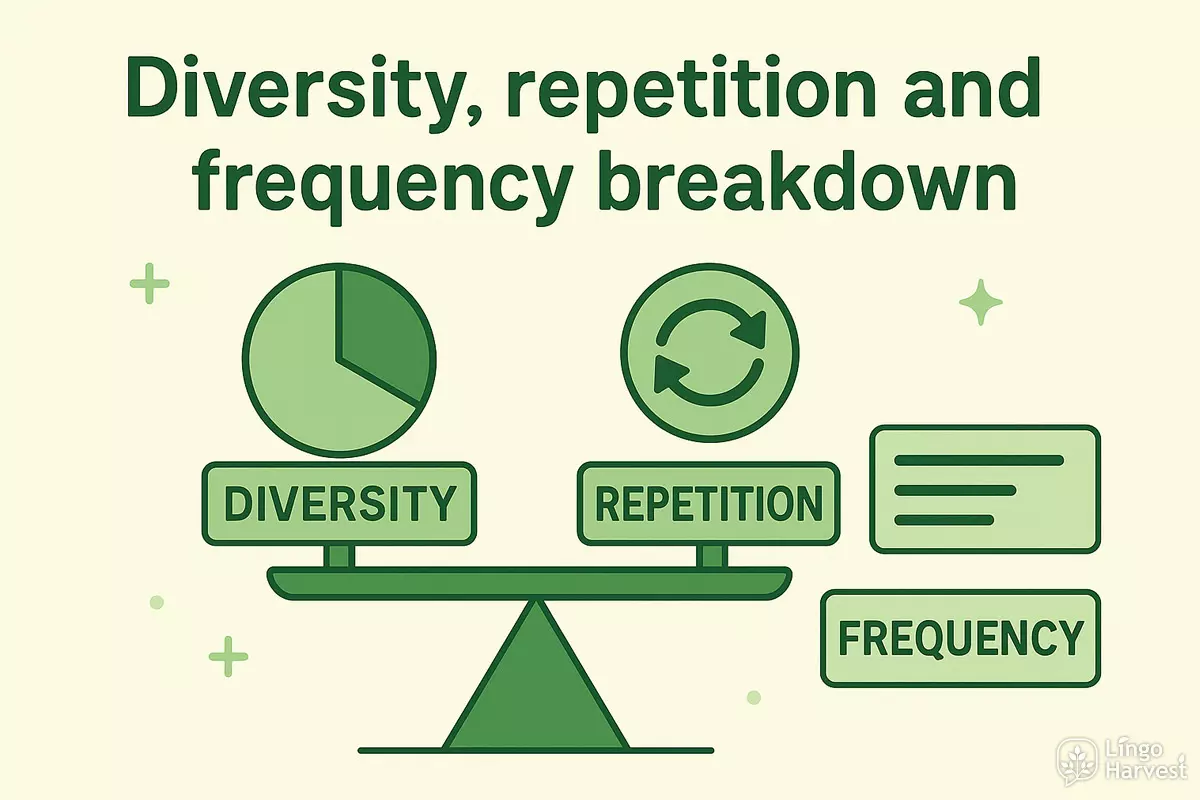
The TTR calculator does not stop at a single number. It shows a set of connected metrics that describe how your vocabulary behaves: diversity, repetition and frequency concentration. Together they give a much clearer picture than TTR alone.
Vocabulary diversity vs repetition
The main indicators in the results block are:
- Diversity index (TTR) – unique words divided by total words.
- Repetition percentage – how much of the text is made up of repeated items.
If TTR is low, repetition is high; if TTR is high, repetition is low. The calculator shows both, so you can look at your text from two angles at once: how many different words you use and how strongly you rely on repetition.
| TTR Range | Repetition Level | Typical Interpretation |
|---|---|---|
| 0.00 – 0.34 | Very high | Vocabulary is very limited and repetitive. Suitable for beginners or highly controlled texts. |
| 0.35 – 0.49 | Moderate | Typical diversity for many learner texts and simple real-life English. |
| 0.50 – 0.69 | Lower | Fairly rich vocabulary with visible variation. Good for upper-intermediate users. |
| 0.70+ | Very low | Extremely diverse vocabulary. Text may feel dense or demanding, especially for learners. |
Hapax legomena and frequent words
In the advanced section, the calculator highlights two important groups:
- Hapax legomena – words that appear only once in your text. A high share of hapax items usually increases TTR and signals rich vocabulary, but too many can also make a text harder to process.
- Frequent words (3+ occurrences) – the core vocabulary that you recycle to keep the text coherent and readable.
The tool shows both the absolute number of words in each group and their percentage among all unique word types, so you can see whether your text is dominated by one-off items or by a small stable core.
Top 10 and top 20 word coverage
Another useful view is how much of your text is made up of the most frequent words:
- Top 10 words coverage – share of tokens covered by the 10 most frequent words.
- Top 20 words coverage – share of tokens covered by the 20 most frequent words.
If these coverage percentages are very high, your text relies heavily on a few repeated items. If they are lower, the vocabulary is more evenly distributed. This is especially helpful when you compare different versions of the same text or analyse how “dense” a particular style is.
Together, TTR, repetition, hapax/frequent words and top-10/top-20 coverage give a multi-angle profile of your vocabulary use, going far beyond a simple word count or one diversity number.
Text vs word list analysis modes in Vocabulary Diversity Checker
The TTR calculator offers two different analysis modes so that you can work both with natural continuous texts and with custom vocabulary lists. This makes the tool flexible for learners, teachers and researchers.
Text mode – for real writing and full texts
Text mode is designed for normal English writing where words appear in sentences and paragraphs. Use this mode when you analyse:
- essays, articles and blog posts,
- stories and book fragments,
- student assignments and exam writing,
- emails, reports and academic texts.
In this mode, the calculator:
- automatically extracts words from punctuation and spacing,
- counts real repetitions as they occur in natural language,
- builds a realistic frequency distribution based on actual usage.
This is the best option when you want to understand how repetitive or varied a real piece of writing is.
Word list mode – for vocabulary sets and study lists
Word list mode is optimized for situations where you paste a list of words separated by spaces, commas or line breaks. This is perfect for:
- personal vocabulary notebooks,
- lesson word lists,
- exam preparation lists,
- imported vocabulary from textbooks or apps.
In this mode, the calculator treats each item as a separate token and builds a clean frequency map of your list. This allows you to:
- see how balanced your learning list is,
- check whether you are overloading one semantic field,
- identify too many repeated forms in your study material.
By switching between Text and Word list modes, the same calculator becomes both a writing analysis tool and a vocabulary planning instrument, without the need for separate applications.
Word frequency table and CSV export
One of the strongest features of this TTR calculator is the full word frequency table with the ability to export all results as a CSV file. This turns a simple diversity check into a practical tool for study, teaching and research.
What the frequency table shows
After analysis, the calculator builds a detailed table where each row contains:
- the word itself,
- how many times it appears in your text,
- its percentage among all tokens.
The table is automatically sorted by frequency, so you immediately see:
- which words dominate your text,
- which words form the stable lexical core,
- which words appear only once or twice.
| Word | Count | % of tokens | What it shows |
|---|---|---|---|
| the | 42 | 6.8% | High-frequency function word forming the core structure |
| language | 9 | 1.5% | Important content word in this topic |
| diversity | 4 | 0.6% | Key thematic term with moderate repetition |
| lexical | 1 | 0.16% | Hapax legomenon – appears only once |
Full table view and scrolling
By default, the table is displayed in a scrollable container to keep the page compact. With one click, you can expand it to show the entire frequency list directly on the page, even if your text contains hundreds or thousands of unique words.
Downloading results as CSV
With the Download as CSV button, you can export the full table and open it in:
- Microsoft Excel,
- Google Sheets,
- research software and corpus tools.
The exported file contains three columns: word · count · percentage.
This makes the TTR calculator not just a quick checker, but a data source for further analysis, lesson planning and linguistic research.
Limits of TTR and how to interpret results
Type–Token Ratio is a simple and powerful indicator, but it also has important limitations. To use this calculator correctly, it is essential to understand what TTR can and cannot show about your text.
Why text length matters so much
TTR is very sensitive to the length of the text. Short texts usually produce artificially high diversity scores, because there is not enough space for natural repetition. As the text grows longer, common words repeat more often and the TTR value usually goes down and stabilises.
| Text Length | Typical TTR Behaviour | How to Read the Result |
|---|---|---|
| 20–50 words | Very unstable, often very high | Only for quick experiments. Do not make strong conclusions. |
| 50–150 words | More realistic, but still sensitive to topic and style | Good for short learner texts and small samples. |
| 150–500 words | More stable diversity profile | Suitable for essays, paragraphs and typical classroom writing. |
| 500+ words | Gradually stabilising TTR | Best for comparing genres, authors or different versions of a text. |
What TTR does not capture
Even the best TTR calculator cannot fully evaluate:
- meaning and coherence of the text,
- correctness of grammar and vocabulary usage,
- clarity of argumentation or storytelling,
- how well a specific learner actually understands the content.
A text with a relatively low TTR can still be excellent if it is precise, clear and appropriate for its readers. A very high TTR, on the other hand, may signal rich vocabulary, but can also make the text harder to process.
Using TTR as a practical guide, not an exam score
The best way to use this calculator is to treat TTR and other metrics as practical signals, not as a strict pass–fail test. For example:
- If your learner essays have extremely low TTR and very high repetition, you may want to work on expanding active vocabulary.
- If your materials for beginners show very high TTR, they might be overloaded with new words.
- If a revised version of a text has a slightly higher TTR and more balanced frequency profile, it is often a sign of improved lexical variety.
Used this way, the TTR calculator becomes a best-in-class helper for monitoring vocabulary richness over time, comparing texts and making informed decisions about how to adapt materials for different levels and purposes.
FAQ about the TTR calculator
1. What exactly does this TTR calculator measure?
The tool measures Type–Token Ratio (TTR), which is the number of unique word types divided by the total number of word tokens in your text or word list. It also shows related metrics: repetition level, hapax and frequent words, and coverage of the top 10 and top 20 items.
2. Is this TTR calculator free to use?
Yes, this is a free online TTR calculator. You can analyse English texts and word lists up to 10,000 words without registration, subscriptions or hidden limits. It is designed as a practical, best-in-class tool for everyday study, teaching and research.
3. How many words do I need for a reliable result?
The calculator requires at least 20 words, but for more stable results it is better to use 50–150 words or more. Short samples can produce very high or very unstable TTR values, while longer texts give a more realistic picture of vocabulary diversity and repetition.
4. Can I use this tool with word lists, not just full texts?
Yes. You can switch to Word list mode to analyse separate vocabulary sets. Simply paste words separated by spaces, commas or line breaks. The tool will calculate TTR, build a frequency map and show how balanced or repetitive your list is.
5. Does the calculator analyse grammar or correctness?
No. The TTR calculator focuses on vocabulary distribution only. It does not evaluate grammar accuracy, style quality or coherence of argument. It is best used together with other tools or teacher feedback to get a full picture of text quality.
6. Can I export the results and work with them in Excel?
Yes. With one click you can download the full word frequency table as a CSV file. The file includes word, count and percentage columns and is formatted to work correctly with Excel and Google Sheets, including different numeric locales.
7. Is this tool suitable for linguistic research?
The calculator is designed to be strong enough for serious vocabulary analysis: it handles long texts, builds full frequency tables and offers several diversity-related metrics. While it is not a complete corpus toolkit, it can serve as a fast, convenient companion for smaller research projects and pilot studies.
8. How should I compare TTR values between different texts?
For fair comparisons, try to use texts of similar length and genre. If one text is much longer, its TTR will naturally be lower. Look not only at the TTR itself, but also at repetition, hapax share, frequent words and top-10/top-20 coverage to get a more complete picture of how vocabulary behaves in each text.
Used regularly, this TTR calculator becomes a powerful tool for tracking vocabulary richness, improving materials and making your English texts more varied and expressive.