Nouns in Instructions and Manuals for Clear Step-by-Step English

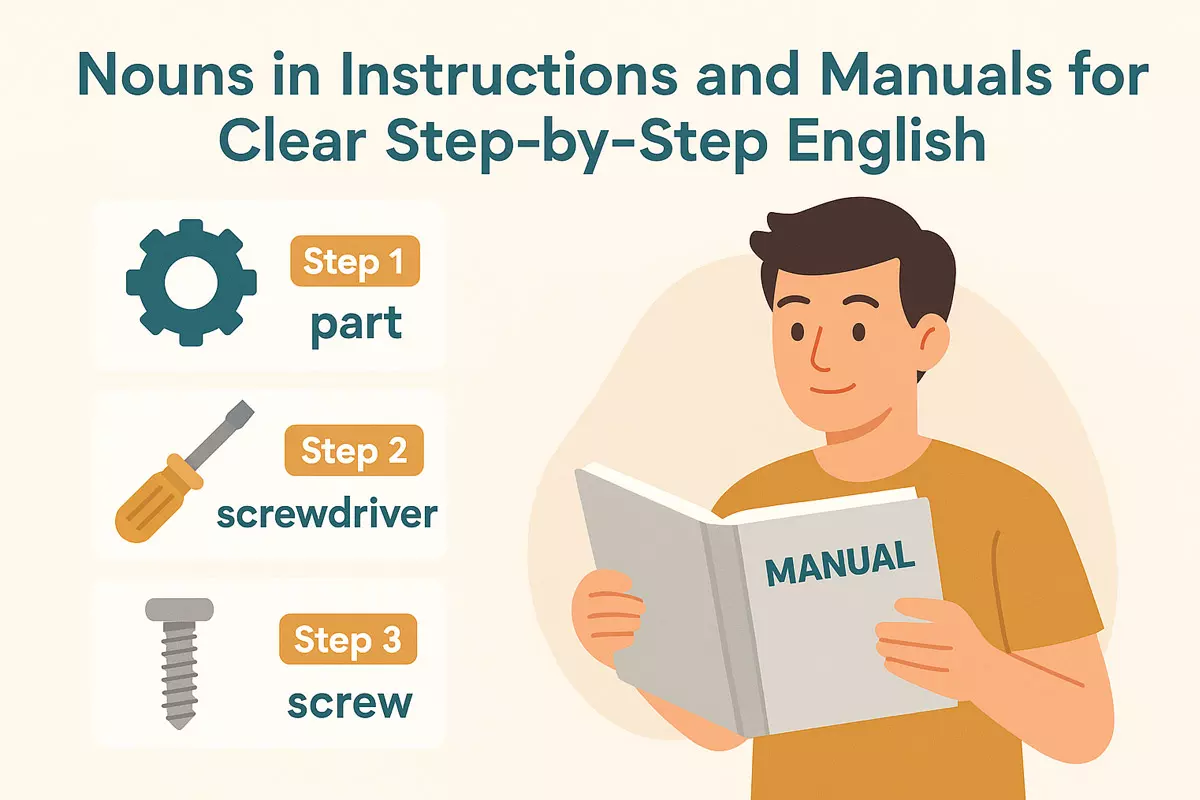 Here we the importance of precise nouns in instructional writing, discusses common nouns and noun phrases for tools and materials, explains sequencing steps, avoiding ambiguity, typical learner mistakes, and offers practice with clear noun phrases.
- Why nouns matter in clear instructional writing
- Common instructional nouns like button, switch, and step
- Noun phrases for tools, parts, and materials
- Sequencing nouns with steps and stages
- Avoiding ambiguity in technical noun reference
- Common learner mistakes in instructional noun usage
- Practice: write short instructions using clear noun phrases
Choosing precise and specific words is crucial when providing directions or assembling something new, as clear language helps readers understand each step without confusion. By carefully selecting terms that accurately describe components and actions, instructions become more straightforward and accessible. This approach reduces misunderstandings and makes the entire process more efficient, allowing users to complete tasks with greater confidence and less frustration.
Why nouns matter in clear instructional writing
Clear instructions depend heavily on the precise use of nouns. Nouns identify the specific objects, parts, or concepts that readers must interact with. When a manual refers to “the switch,” “the cover plate,” or “the blue wire,” there’s little room for misunderstanding. This accuracy helps users follow steps correctly and safely.
The role of nouns in eliminating ambiguity
Vague references like “it” or “this” can confuse readers, especially in technical or step-by-step guides. By naming each item directly, instructions guide users without forcing them to guess what is meant. For example, compare these two sentences:
- Attach it to the base. (unclear)
- Attach the handle to the base. (clear and specific)
Naming components ensures each action is tied to the correct object, reducing mistakes.
Types of nouns commonly used in instructions
Instructional writing relies on a range of nouns to clarify tasks. Common categories include:
- Tools: screwdriver, wrench, pliers, drill
- Parts: panel, bracket, screw, washer
- Materials: glue, tape, wire, oil
- Buttons/Controls: power button, switch, lever, knob
- Measurements: cup, liter, inch, centimeter
- Locations: slot, compartment, socket, port
- Documents: receipt, warranty, manual, checklist
- Outputs: display, light, alarm, reading
- Ingredients: flour, water, yeast, salt
- Protective gear: gloves, goggles, mask, apron
How nouns structure instructions
Nouns act as anchors, linking each step to a tangible or conceptual item. This structure is especially important in step-by-step formats, where each action must be unambiguous. Effective use of nouns allows readers to visualize the process and check their progress.
Comparison: Vague vs. Precise Noun Usage

| Vague Instruction | Precise Instruction |
|---|---|
| Put it in there. | Insert the battery into the compartment. |
| Turn it on. | Press the power button. |
| Remove it carefully. | Remove the filter carefully. |
| Connect these together. | Connect the red wire to the terminal. |
Summary
Precise nouns are the backbone of clear, actionable instructions. They prevent confusion, support logical step sequences, and help users achieve the intended outcome efficiently. By thoughtfully selecting and repeating the right nouns, writers make manuals far more user-friendly and reliable.
Common instructional nouns like button, switch, and step
Clear instructions rely on precise nouns to describe actions, objects, and parts of devices or processes. Words such as button, switch, and step are frequently used in guides and manuals to help users follow procedures without confusion. These words are chosen for their clarity and universal understanding, making them essential in technical and instructional writing.
Essential nouns often found in instructions
- Button – a small part you press to make something happen (e.g., “Press the power button”).
- Switch – a device for turning something on or off (e.g., “Flip the light switch”).
- Step – an individual action or part of a process (e.g., “Repeat step 3”).
- Lever – a handle you move to control a function.
- Knob – a round control you turn (often for adjusting settings).
- Panel – a flat surface with controls or displays.
- Slot – a narrow opening for inserting something, like a card.
- Connector – a part that joins cables or devices together.
- Menu – a list of options on a screen.
- Indicator – a light or symbol showing status or activity.
- Port – a socket for connecting cables or devices.
- Tab – a clickable section in software interfaces.
- Field – an area where information is entered.
- Handle – a part to grasp, usually for moving or opening something.
- Dial – a control for selecting a setting, often circular.
- Screen – the display area of a device.
- Cover – a part that protects or conceals another part.
- Socket – a hole or fitting for an electrical plug.
- Label – a tag or text describing a part or control.
- Option – a choice or setting in a process or menu.
How context affects noun choice
The best noun for an instruction depends on what the user sees or interacts with. For example, “press the button” is clearer than “activate the control,” because it directly names the part to use. Similarly, “turn the knob clockwise” gives more specific direction than “adjust the control.” Choosing the right noun reduces ambiguity and helps users complete tasks more quickly.
Comparison of common nouns in instructions
| Noun | Typical Use in Instructions |
|---|---|
| Button | Press to activate a function (e.g., “Press the reset button”) |
| Switch | Flip or slide to turn something on/off (e.g., “Switch the device off”) |
| Step | Follow as part of a process (e.g., “Go to step 2”) |
| Knob | Turn to adjust (e.g., “Turn the volume knob”) |
| Slot | Insert or remove items (e.g., “Insert the card into the slot”) |
| Panel | Access controls or information (e.g., “Open the control panel”) |
Choosing the appropriate nouns helps ensure that users can follow directions without misunderstanding. These terms are the backbone of clear, step-by-step English in manuals and guides, supporting both clarity and user confidence.
Noun phrases for tools, parts, and materials
When you read or write instructions, you’ll notice that groups of words describe objects needed for each step. These groups, often called noun phrases, help users identify the exact items required—whether it’s a specific tool, a machine part, or a type of material. Using precise combinations of adjectives and nouns not only prevents confusion, but also keeps procedures clear and efficient.
How descriptive phrases work in instructions
Writers often add details to the main noun, such as size, color, quantity, or function, to make sure the reader picks the right object. For example, “Phillips screwdriver” is more precise than just “screwdriver,” and “plastic measuring cup” gives more information than “cup.” These phrases typically follow a pattern: modifier(s) + main noun.
Common patterns for naming tools, parts, and materials
- Adjective + noun: flat-head screwdriver, metal bracket
- Material + noun: rubber hose, wooden dowel
- Size/quantity + noun: 2-liter bottle, small washer
- Brand/type + noun: Philips bulb, Allen key
- Function + noun: drain plug, filter cartridge
Expanded examples of useful noun phrases
You’ll often encounter these descriptive groups in manuals:
- Adjustable wrench → He tightened the bolt with an adjustable wrench.
- Insulated wire → The electrician replaced the old insulated wire.
- Hex socket → She used a hex socket to remove the screw.
- Stainless steel screw → The cabinet was secured with a stainless steel screw.
- Replacement fuse → He installed a replacement fuse after the old one burned out.
- Protective gloves → Always wear protective gloves when working with sharp tools.
- Double-sided tape → She used double-sided tape to attach the hook.
- Cotton cloth → He wiped the surface with a cotton cloth.
- Plastic anchor → A plastic anchor was needed to fix the shelf to the wall.
- Fine-grit sandpaper → She smoothed the edges with fine-grit sandpaper.
- Brass fitting → The plumber replaced the valve with a brass fitting.
- Thick cardboard → He cut shapes out of thick cardboard.
- Safety goggles → Wear safety goggles to protect your eyes.
- Extension cord → The lamp was too far, so they used an extension cord.
- Mounting bracket → He attached the TV using a mounting bracket.
- Glass jar → She stored spices in a glass jar.
- Universal adapter → The traveler used a universal adapter abroad.
- Rechargeable battery → The toy runs on a rechargeable battery.
Comparing types of noun phrases
| Pattern | Example |
|---|---|
| Adjective + Noun | Flat-head screwdriver |
| Material + Noun | Plastic tube |
| Size/Quantity + Noun | 10-mm bolt |
| Function + Noun | Control panel |
| Brand/Type + Noun | Torx bit |
Choosing the right descriptive phrase makes each instruction easier to follow and reduces mistakes. By paying attention to how items are named, both writers and readers of manuals can communicate more effectively, ensuring that every step is clear and actionable.
Sequencing nouns with steps and stages
Providing clear order in instructions often depends on specific nouns that signal progression, order, or parts of a process. Instead of relying solely on verbs, English manuals and guides frequently use nouns to describe each point in a sequence. This approach helps readers identify what comes next and understand the structure of a task or procedure.
Common nouns for ordering procedures
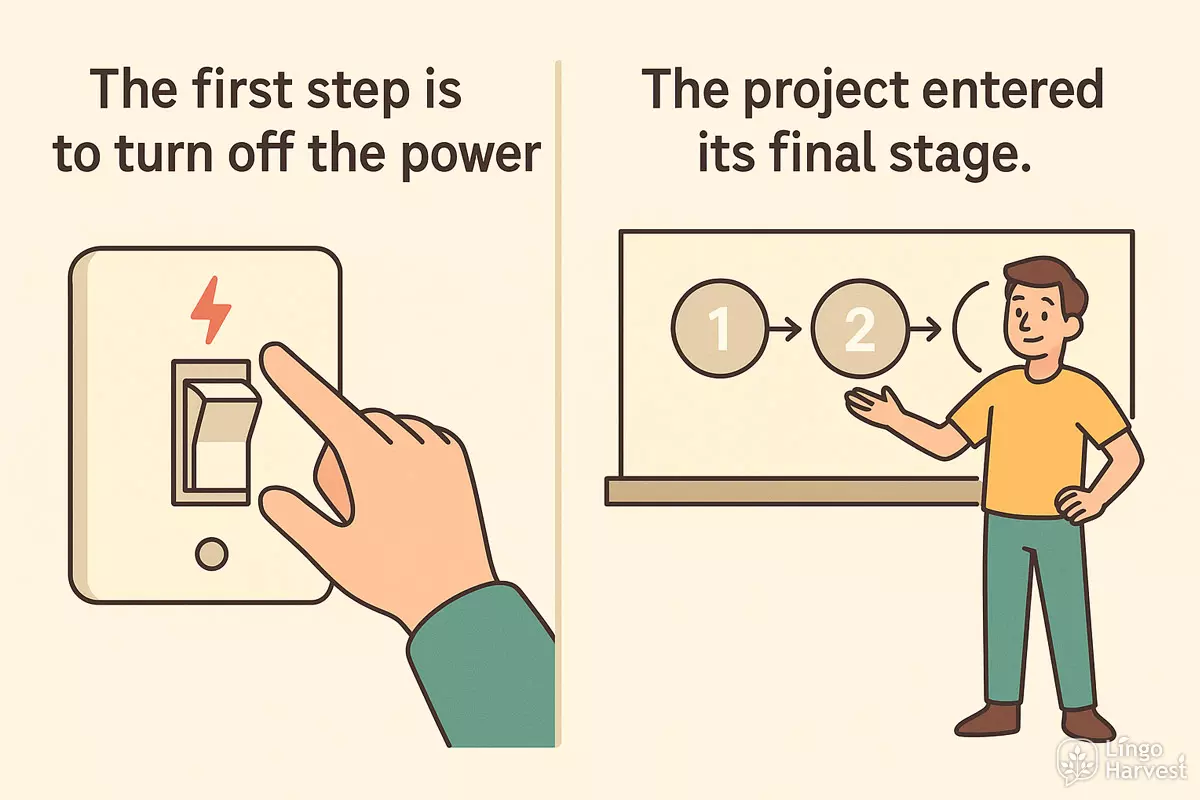
Writers use a range of nouns to clarify the flow of multi-step tasks. These terms help break down complex actions into manageable parts and make documentation easier to follow. Here are some frequently used sequencing nouns:
- Step → The first step is to turn off the power.
- Stage → The project entered its final stage.
- Phase → We are now in the testing phase.
- Level → She reached a new level of proficiency.
- Section → Read the next section carefully.
- Point → At this point, we need to revise the plan.
- Part → This part connects the two panels together.
- Sequence → Follow the sequence exactly as shown.
- Cycle → The machine completes one cycle every minute.
- Segment → Each segment of the graph shows growth.
- Component → This component controls the engine speed.
- Element → Precision is an important element of design.
- Round → They advanced to the next round.
- Period → The warranty is valid for a two-year period.
- Interval → Take a short interval between exercises.
- Checkpoint → We reached the checkpoint before noon.
- Milestone → Finishing the draft was a major milestone.
- Session → The training session lasted three hours.
How sequencing nouns clarify instructions
Using precise nouns for each phase of a process helps users keep track of where they are and what remains. For example, instead of just numbering actions, a manual might say, “In the next stage, assemble the frame,” or “At this checkpoint, review your connections.” This structure reduces ambiguity and helps users avoid missing critical points.
Examples of sequencing nouns in context
Below is a comparison of how different nouns can be used to organize instructions, showing their typical contexts and nuances:
| Noun | Example Usage |
|---|---|
| Step | Step 3: Insert the batteries into the compartment. |
| Stage | During the final stage, tighten all screws securely. |
| Phase | In the testing phase, verify all components function properly. |
| Checkpoint | At this checkpoint, confirm that all cables are connected. |
| Milestone | Reaching this milestone means the software is ready for deployment. |
| Section | Refer to the next section for troubleshooting tips. |
| Cycle | Repeat the cycle until the mixture thickens. |
| Component | Install each component in the order listed below. |
Tips for using sequencing nouns effectively
- Be consistent with terminology to minimize confusion.
- Label each part clearly, especially in complex guides.
- Combine sequencing nouns with numbering or bullet points for extra clarity.
- Use more specific nouns (like “checkpoint” or “milestone”) for critical junctures.
- Avoid overusing the same noun; mix terms as appropriate for the process.
By choosing the right nouns to describe each part of a process, instructions become easier to navigate and understand. This approach enables users to follow along, check their progress, and complete tasks with fewer errors.
Avoiding ambiguity in technical noun reference
Clear identification of objects and concepts in instructions is crucial to prevent misunderstandings. When a manual uses nouns like "lever," "panel," or "connector" without specifying which one is meant, users may make mistakes or waste time guessing. Instead, writers should use precise language and context clues to ensure readers can always tell which item is being discussed.
Common sources of confusion
Ambiguity often arises when:
- Multiple similar items are present (e.g., two "switches" on a device)
- Generic nouns are used with no modifier (e.g., just "button" instead of "power button")
- Pronouns replace nouns too soon ("it," "this," "that")
- Steps refer back to previous instructions without clear links
Strategies for precise noun reference
Writers can reduce confusion by:
- Adding specific modifiers (e.g., "left panel," "main power switch")
- Using unique identifiers or numbers ("Connector A," "Screw 1")
- Repeating the full noun when clarity is more important than brevity
- Introducing a noun before using a pronoun substitute
- Including diagrams with labels matching the text
- Grouping steps by component to maintain focus
- Describing location or appearance ("the red lever near the base")
- Using consistent terms throughout the document
- Clarifying references after interruptions ("Return to the main display panel")
- Limiting the use of "it" or "them" when several possible referents exist
Examples: Vague vs. Clear Reference
| Vague Reference | Clear Reference |
|---|---|
| Press the button. | Press the green Start button on the left control panel. |
| Insert the connector into the port. | Insert Connector A into Port 1 on the rear panel. |
| Attach it to the frame. | Attach the mounting bracket to the lower frame support. |
| Replace the cover. | Replace the top cover marked with label “C”. |
| Tighten the screws. | Tighten the four silver screws at the corners of the panel. |
Checklist for unambiguous technical nouns
Use this checklist when drafting or reviewing instructions:
- Is every noun uniquely identifiable in context?
- Are modifiers or labels used for similar items?
- Do pronouns clearly refer to a single noun?
- Are terms consistent throughout the manual?
- Are diagrams or photos referenced when helpful?
Being meticulous with noun reference helps users follow steps confidently and reduces costly errors.
Common learner mistakes in instructional noun usage
Many English learners find it challenging to use nouns correctly in instructions and manuals. These errors can make step-by-step guides confusing or even misleading. Below, we explore frequent pitfalls and how to avoid them when writing clear, effective instructions.
Confusing Countable and Uncountable Nouns
Mixing up countable and uncountable nouns is a common issue. For example, writing “an equipment” instead of just “equipment” leads to unnatural phrasing. Learners should remember that some nouns do not take an article or plural form.
- Incorrect: “Add two informations.”
- Correct: “Add two pieces of information.”
- Incorrect: “Please bring a furniture.”
- Correct: “Please bring the furniture.”
Omitting or Misusing Articles
Articles (“a,” “an,” and “the”) are often omitted or used incorrectly, which creates ambiguity:
- Incorrect: “Press button to start.”
- Correct: “Press the button to start.”
- Incorrect: “Connect cable to computer.”
- Correct: “Connect the cable to the computer.”
Pluralization Errors in Steps
Mixing up singular and plural forms can confuse the reader about quantity or steps. This is especially problematic in technical manuals.
- Incorrect: “Insert screws into the holes.” (if only one screw is needed)
- Correct: “Insert the screw into the hole.”
Vague or Overly General Noun Choices
Using vague nouns like “thing,” “stuff,” or “item” makes instructions unclear. Precise vocabulary is essential:
- Replace “thing” with “cover,” “panel,” or “wire,” as needed.
- Swap “stuff” for specific terms like “adhesive” or “foam.”
Inconsistent Terminology
Switching between different nouns for the same object (e.g., “lever,” “switch,” “handle”) confuses the reader. Always use the same word for the same part throughout the manual.
Misplacing Noun Modifiers
Placing adjectives or descriptive phrases incorrectly can change the meaning or cause ambiguity. For instance, “plastic small part” should be “small plastic part.”
Examples: Frequent Noun Mistakes in Instructions
- “Turn on power” → “Turn on the power”
- “Remove covers” (if only one cover) → “Remove the cover”
- “Tighten bolt” → “Tighten the bolt”
- “Attach a wires” → “Attach the wires” or “Attach a wire”
- “Place the equipments” → “Place the equipment”
- “Insert batteries” (if one battery) → “Insert the battery”
- “Put label on the bottles” (if only one bottle) → “Put the label on the bottle”
- “Remove the dusts” → “Remove the dust”
- “Connect to a power” → “Connect to power” or “Connect to a power source”
- “Use the informations” → “Use the information”
Summary Table: Typical Noun Problems and Corrections
| Mistake | Correction |
|---|---|
| Insert a equipment | Insert the equipment |
| Take out the informations | Take out the information |
| Attach a wires | Attach the wires |
| Clean the dusts | Clean the dust |
| Connect the cable to computer | Connect the cable to the computer |
| Remove covers (1 cover) | Remove the cover |
By being aware of these typical issues and practicing more precise noun use, learners can make step-by-step instructions much clearer and easier to follow. Always revise for article use, countability, and consistent vocabulary to improve the clarity of your manuals.
Practice: write short instructions using clear noun phrases
Clear noun phrases make instructions easier to follow, especially for non-native speakers or beginners. Below you will find guidance, examples, and activities to help you practice writing simple, effective directions using strong noun-based language.
How to Create Clear Instructions Using Noun Phrases
Begin each step with a specific noun or noun phrase to clarify the action. Avoid vague words like "things" or "stuff." Instead, name the object or part involved in the instruction. This approach reduces confusion and helps readers act quickly and correctly.
- Use concrete nouns: button, screen, cable
- Add descriptive details: power button, USB cable, printer tray
- Keep sentences short and direct: Insert the battery. Close the lid.
- Start with the object, then the action if possible: Paper tray: pull out fully.
Examples of Clear vs. Vague Noun Phrases in Instructions
Compare these sample phrases to see how noun choice affects clarity. Notice how the improved versions specify exactly what to do and with which object.
| Vague Instruction | Clear Noun Phrase Instruction |
|---|---|
| Push it | Press the power button |
| Put it there | Place the document in the scanner tray |
| Turn this | Rotate the control knob |
| Open it up | Lift the printer cover |
| Plug it in | Connect the USB cable to the computer |
| Start it | Press the start button on the control panel |
| Take it out | Remove the ink cartridge from the slot |
| Close it | Shut the battery compartment door |
| Move this | Slide the paper guide to the left |
| Turn off | Switch off the main power supply |
Practice Task: Rewrite the Instructions
Rewrite each vague direction below using a specific noun phrase to clarify what the user should do.
- Open it.
- Turn it on.
- Move it to the side.
- Put it in.
- Take it out.
- Plug it in.
- Turn it off.
- Scroll down.
- Clean it.
- Save it.
Show answers
- Lift the laptop lid.
- Press the power button.
- Slide the drawer to the side.
- Insert the memory card into the slot.
- Remove the battery from the compartment.
- Connect the charger to the power socket.
- Hold down the power button for three seconds.
- Use the touchpad to move the page downward.
- Wipe the screen with a soft cloth.
- Click the save icon in the top corner.
Quick Activity: Spot the Clear Noun Phrase
Choose the option with the clearest noun phrase in each pair.
- a) Press it.
b) Press the reset button. - a) Plug it in.
b) Connect the charging cable to the port. - a) Slide it.
b) Slide the paper tray out. - a) Open it.
b) Open the laptop lid. - a) Turn it off.
b) Press the power button to shut it down. - a) Clean it.
b) Wipe the screen with a soft cloth. - a) Remove it.
b) Remove the USB drive from the port. - a) Insert it.
b) Insert the SIM card into the slot. - a) Rotate it.
b) Rotate the camera to face forward. - a) Lock it.
b) Lock the door using the key.
Show answers
- b) Press the reset button.
- b) Connect the charging cable to the port.
- b) Slide the paper tray out.
- b) Open the laptop lid.
- b) Press the power button to shut it down.
- b) Wipe the screen with a soft cloth.
- b) Remove the USB drive from the port.
- b) Insert the SIM card into the slot.
- b) Rotate the camera to face forward.
- b) Lock the door using the key.
By focusing on precise noun phrases, you can write instructions that are easy to understand and follow. Practice regularly to improve your clarity and effectiveness in technical writing.